
tk71 — Live Casino, Slots and Cricket Betting with bKash
tk71 puts live tables, crash games, slot rooms and a cricket sportsbook in one lobby you open from any Android browser in seconds — deposits via bKash, Nagad or Rocket clear fast so you're inside before you've had time to think twice.
tk71 · Bangladesh
Service availability depends on eligible regions and local law. Users should check local rules before opening an account.
Why Bangladesh Players Keep Coming Back
tk71 is shaped around the way you actually use your phone — a fast return path for people who already have an account, local wallets built into the deposit flow, and a lobby that covers cricket betting, live casino, slots and crash games without making you scroll through menus to find what you came for.
Cricket and Sports Betting
Follow BPL, international cricket and football through our sportsbook. Markets load on mobile without a separate app download or browser change.
Live Casino and Slots
Tables from leading live-dealer studios sit alongside slot rooms and crash games. Switch between them without leaving the lobby or losing your session.
Local Wallet Integration
bKash, Nagad and Rocket are built into the cashier — not bolted on. Send from your mobile wallet, confirm the PIN, and the balance lands in your account.
Returning-User Speed
Log back in with OTP — no password to remember. Your last game, open bets and wallet balance are exactly where you left them across devices.
Check What's Running on Your Account

A match credit on your first qualifying deposit via bKash, Nagad or Rocket. Amount and terms are shown at the cashier step before you confirm the transaction.
Open Your Account
Returning accounts may see a reload credit posted after a qualifying top-up. Check the promo panel inside your account dashboard for the active period and any wagering conditions.
Open Your AccountMove Money with bKash, Nagad or Rocket
Every wallet option in our cashier is local — no international card steps, no currency conversion prompts. Open the cashier, pick your wallet, enter the amount, and send from your bKash, Nagad or Rocket app to the account number shown. Confirm with your PIN and the credit posts to your tk71 balance. Withdrawals follow a verification step: the account number you withdraw to must match the wallet you deposited from.
Send directly from your bKash app to the number shown in the cashier. Confirm with your mobile PIN. Withdrawal requests go back to the same registered bKash number after wallet verification is complete.
Nagad deposits follow the same send-and-confirm flow. Enter the cashier amount, open Nagad on your phone, complete the transfer, and your tk71 balance updates once the transaction posts.
Rocket is supported for both deposits and withdrawals. Use the mobile number tied to your Rocket account — it must match the number registered on your tk71 profile for withdrawals to process.
Explore Live Tables, Slots and Crash Games
The lobby organises games by category so you land where you want without sifting. Live casino tables include Baccarat and Dragon Tiger streamed in real time from leading studios. Slot rooms feature popular titles including Gates of Olympus and Mahjong Ways. Crash Wildspin and Aviator sit in a separate crash section; Cricket Betflash and Football QuickScore are in the sportsbook tab. RTP figures are shown only where the game provider publishes them — we do not display made-up percentages. Players in Dhaka and Chattogram reach the full lobby without switching networks.




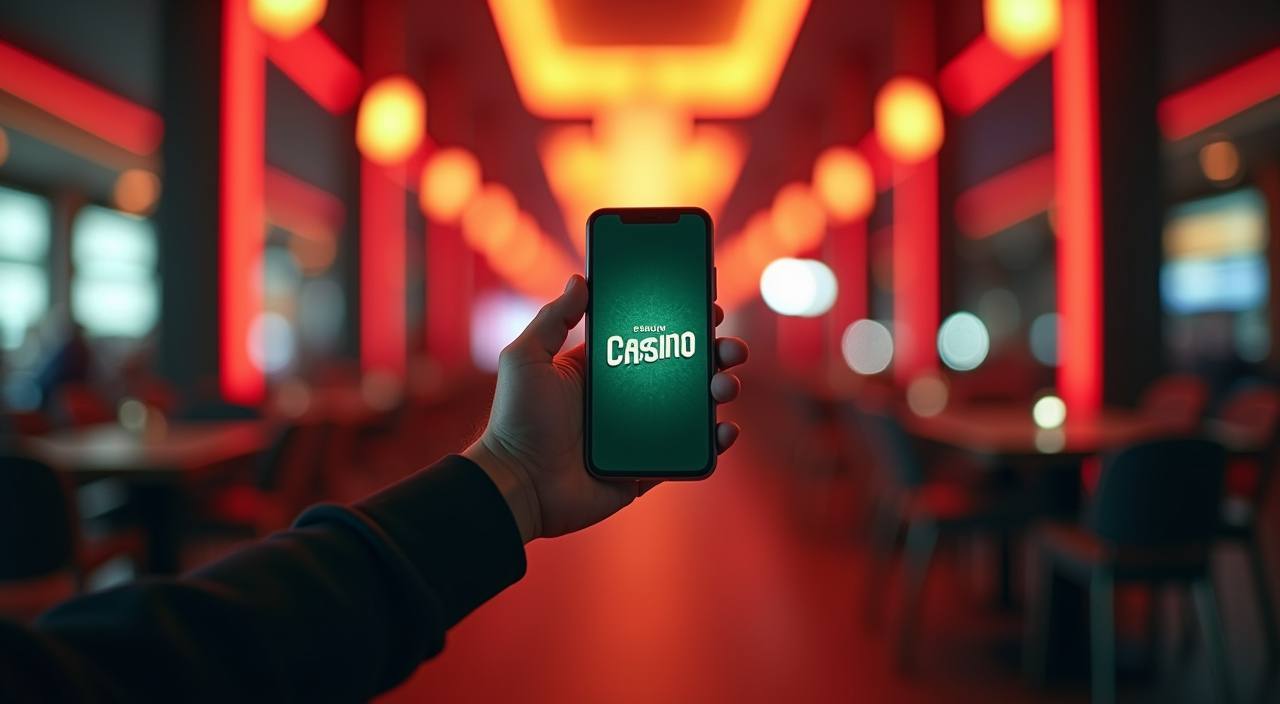
Open tk71 on Android, iOS or Any Browser
There is no mandatory app download — the mobile site runs on any current Android or iOS browser and remembers your session. For Android users who prefer an installed shortcut, the APK is available directly from the site; your account data syncs the moment you log in. iOS access runs through the mobile browser with the same lobby, cashier and live-table stream quality. Whether you switch from phone to desktop mid-session or come back the next day, the lobby opens at your last position.
Android APK
Latest version
- 1Download APK from the tk71 site — no app store needed
- 2Install and log in with your registered mobile number and OTP
- 3iOS: open tk71 in Safari, tap Share, then Add to Home Screen
- 4Log back in on any device — wallet balance and open bets carry over
Reach Support When You Need It
Support at tk71 covers account access, wallet verification and deposit or withdrawal questions. If your bKash transfer has posted on your phone but not yet reflected on your account balance, the support team can check the transaction reference and confirm the status. For login issues, they walk you through the OTP reset path. Contact is available via live chat inside the site and through the official WhatsApp number shown on the contact page.
Live Chat
The live chat button is in the bottom corner of every lobby page. Agents handle wallet queries, account access problems and transaction status checks.
WhatsApp Support
The official WhatsApp number is listed on our contact page. Send your registered mobile number and a brief description of the issue.
Account Help Centre
The Help Centre covers common account topics: resetting your login, updating your registered wallet number, understanding withdrawal verification, and reading your transaction history. Find it under the account menu after you log in.
Four Steps from Phone to Lobby
Setting up takes a few minutes on any mobile device. You need a valid mobile number, a bKash, Nagad or Rocket wallet in your name, and a device running a current browser. The account creation form is short — mobile number, OTP verification and a password. Once your wallet is linked and verified, the full lobby opens including live tables, crash games and the cricket sportsbook.
Choose Your Path
Open tk71 in your mobile browser or install the Android APK from the site. No third-party store or extra permissions required beyond standard install access.
Create Your Account
Enter your mobile number, verify with the OTP sent to your phone, and set a password. The process takes under two minutes on any Android or iOS device.
Link Your Local Wallet
Go to the cashier, select bKash, Nagad or Rocket, and enter your wallet number. This number must match the registered owner name on your wallet for withdrawals to process.
Enter the Lobby
Make your first deposit, confirm the PIN in your wallet app, and your tk71 balance updates. The lobby, sportsbook and live casino are all accessible from the same navigation bar.
Platform at a glance
Terms Worth Knowing Before You Start
New to online casino or sports betting? These are the terms that come up most often in the lobby, cashier and game rooms. Understanding them helps you read offer conditions, game stats and payout tables without guessing.
RTP stands for Return to Player — the percentage of all bets a slot is designed to pay back over a very large number of rounds. It is a long-run statistical figure, not a session promise.
A wagering requirement is the number of times you must bet a bonus amount before it converts to withdrawable cash. For example, a 10x requirement means betting the bonus amount ten times in total.
Volatility describes how a slot distributes its payouts. High volatility means fewer wins but larger amounts when they hit; low volatility means more frequent smaller wins across a session.
In crash games like Aviator or Crash Wildspin, a multiplier starts at 1x and rises until the round ends. You cash out before it crashes — your bet is multiplied by the number you exit on.
KYC stands for Know Your Customer — the verification process where you confirm your identity and wallet ownership. At tk71 this is required before your first withdrawal is processed.
A handicap bet adjusts the starting position of one side to even the contest. In cricket, a runs handicap might give a weaker team a head start before the match result is assessed for settlement.
Bankroll management means deciding in advance how much of your account balance you will use per session or per bet. It keeps individual losses from clearing your full balance in a short run.
Common Questions About tk71
These are the questions our account holders ask most often — covering deposits, withdrawals, game access, login and how the mobile lobby behaves across devices.
Open an Account and Head Into the Lobby
Everything you need is already here — live casino tables, slot rooms, crash games, a cricket sportsbook, and a cashier that accepts bKash, Nagad and Rocket without extra steps. Create your account with your mobile number, link your local wallet, and the lobby opens in full. Access to all features depends on your location and local law. Where it is available, your account is ready whenever you are — on your phone, your desktop, or whatever device is in your hand right now.